Edition Features
IntelliSense (auto-completion)
When editing a program, you can press Ctrl+Space to obtain suggestions on valid keywords, user-defined words (data item or paragraph names), and even complete COBOL sentences. Select an option with the arrow keys, and press Enter to insert the selected suggestion.
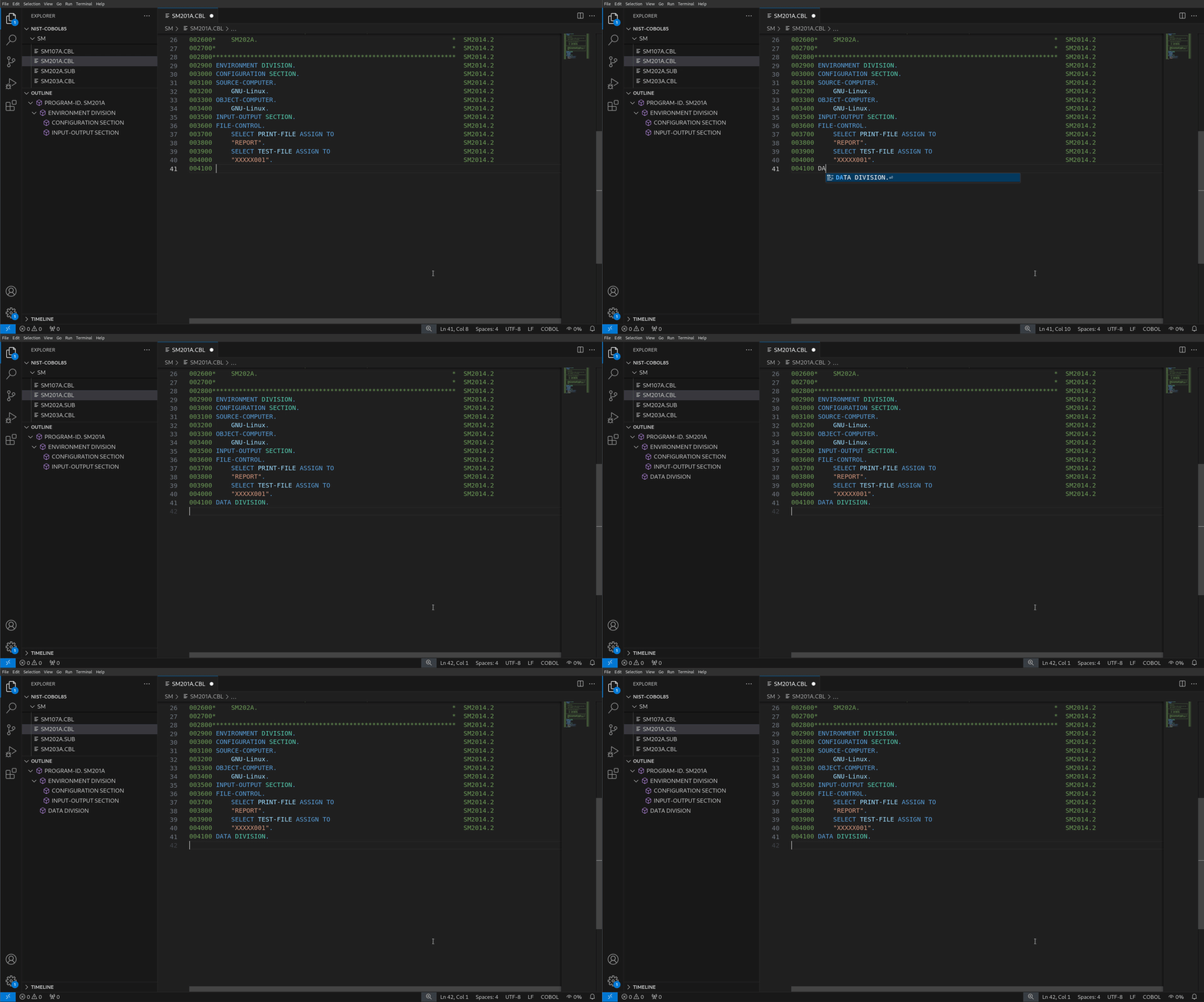
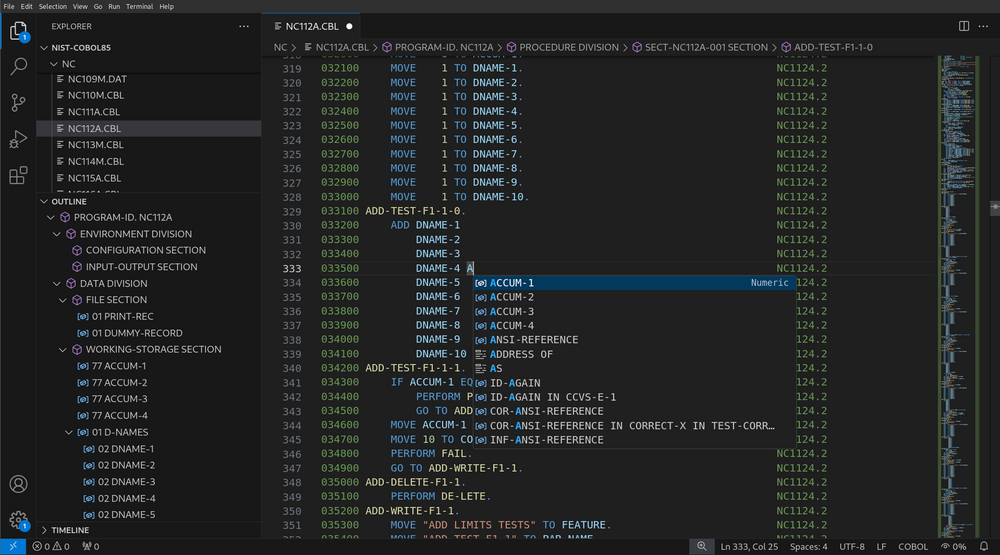
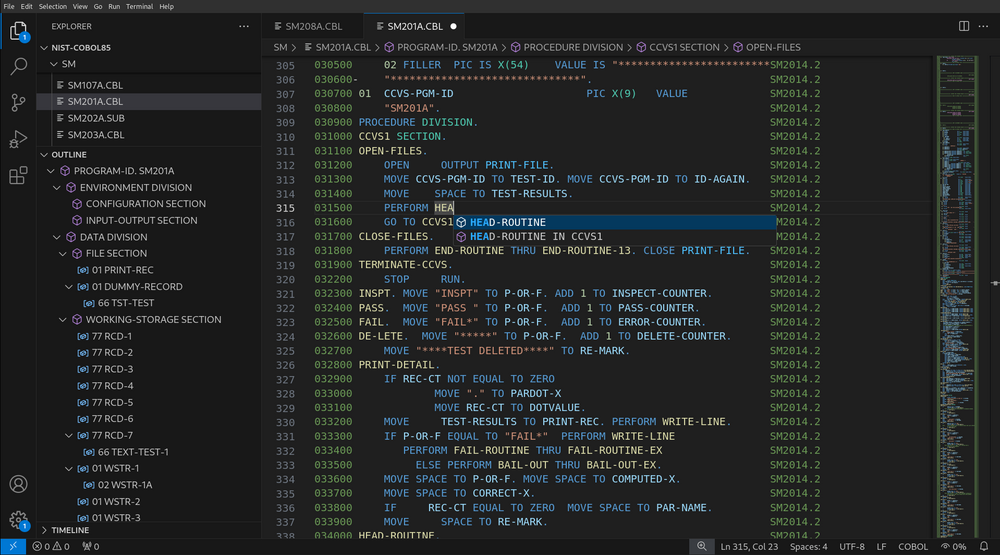
(Temporary limitation)
Suggestions of user-defined words may not comprise symbols that are defined in the communication, report, or screen section of the data division. Although user-defined words that occur in configured copybooks are also suggested, preprocessor-related variables or phrases are not.
Rename Data Items, Sections, and Paragraphs
You can rename any data item by pressing F2 while your cursor is positioned on one of its references. The extension will warn you if a reference to the renamed item appears in a copybook (in which case the renaming of every reference is not performed).
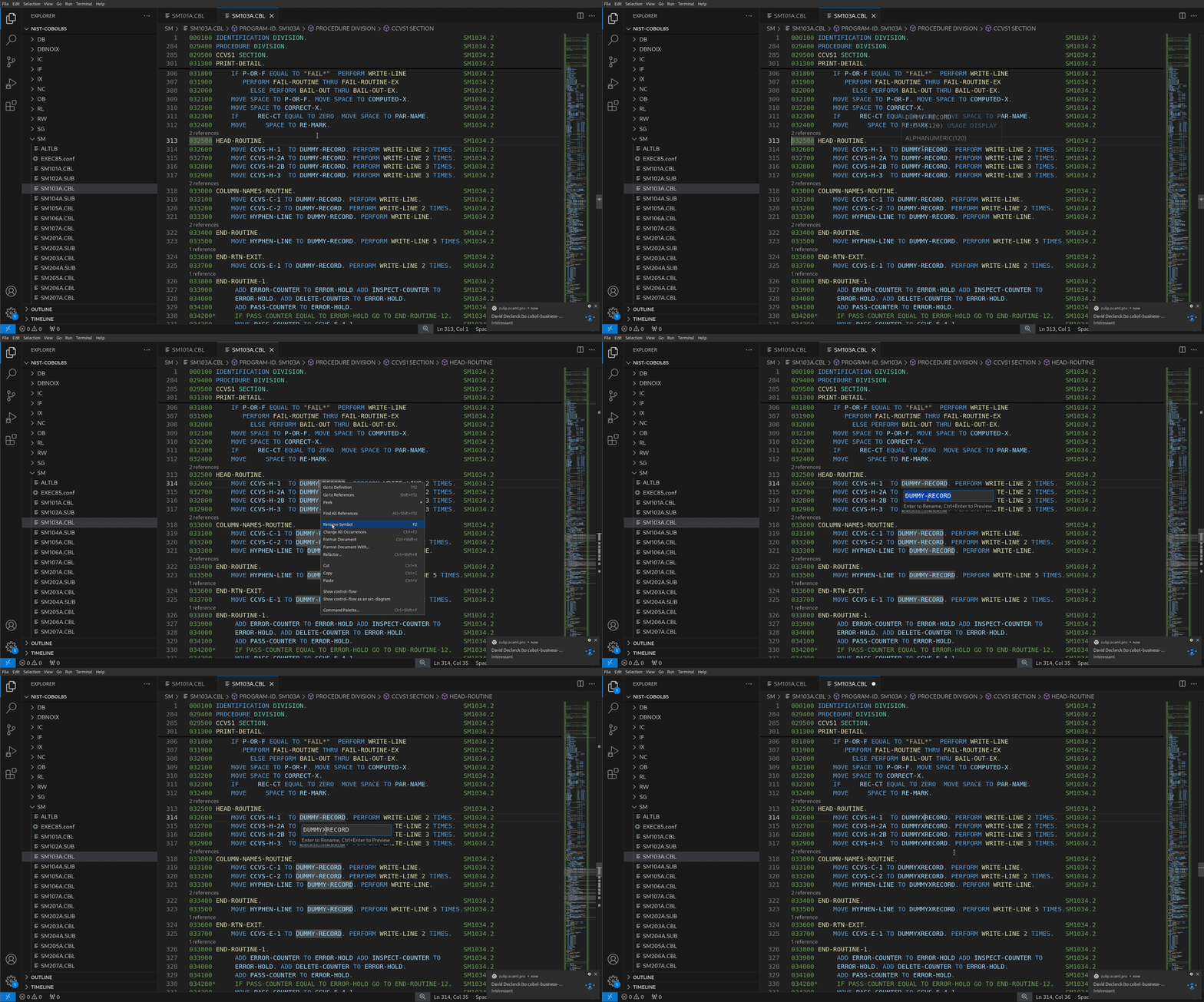
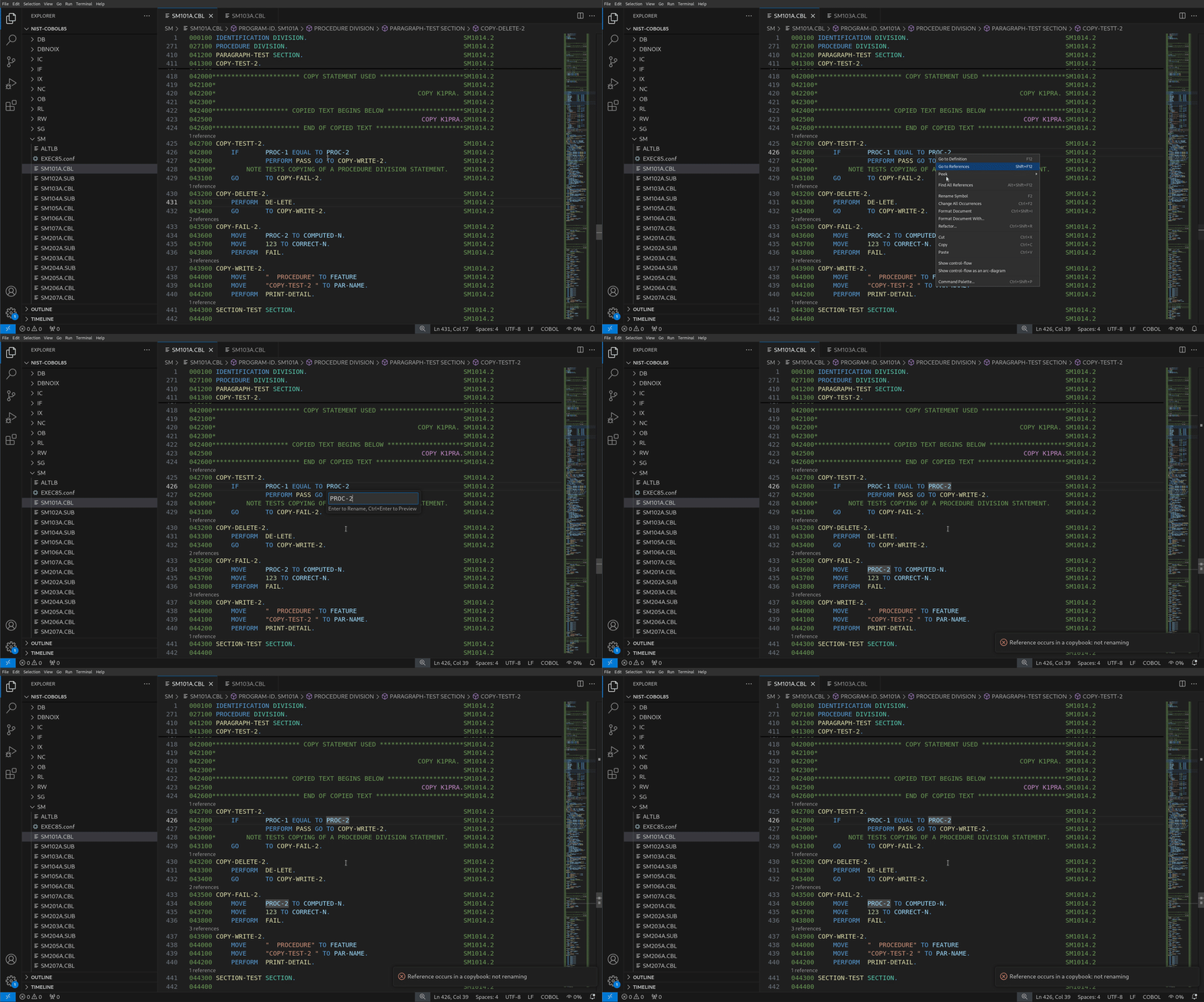
Sections and paragraphs of the procedure division can also be renamed in the same way.
The same limitations as for Go to References apply to this feature.