Navigation Features
Outline & Breadcrumbs
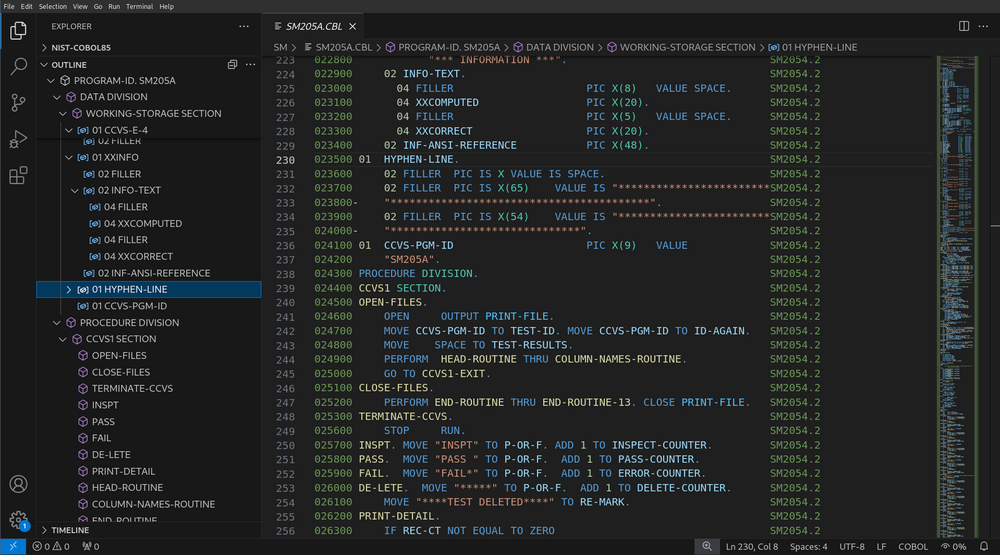
SuperBOL provides an outline view of your program once you open it, that you can use to navigate to specific sections or symbols (data items, paragraphs, etc). The same information is also shown in the “breadcrumbs” bar, that is usually located above the text edition area.
Go to Symbol
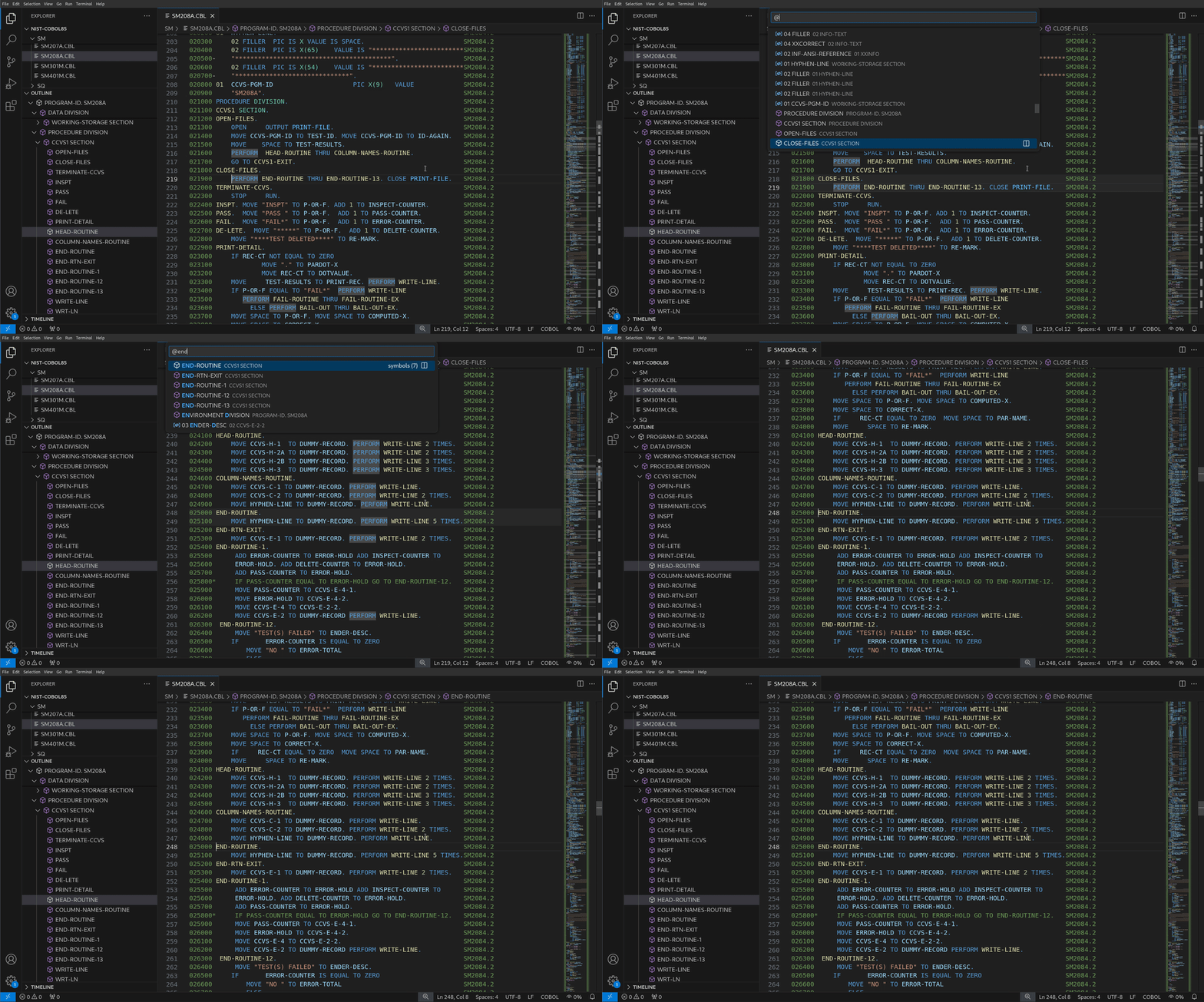
Symbols shown in Outline and Breadcrumbs views can also be searched and jumped to by pressing Ctrl+Shift+O.
Go to Definition
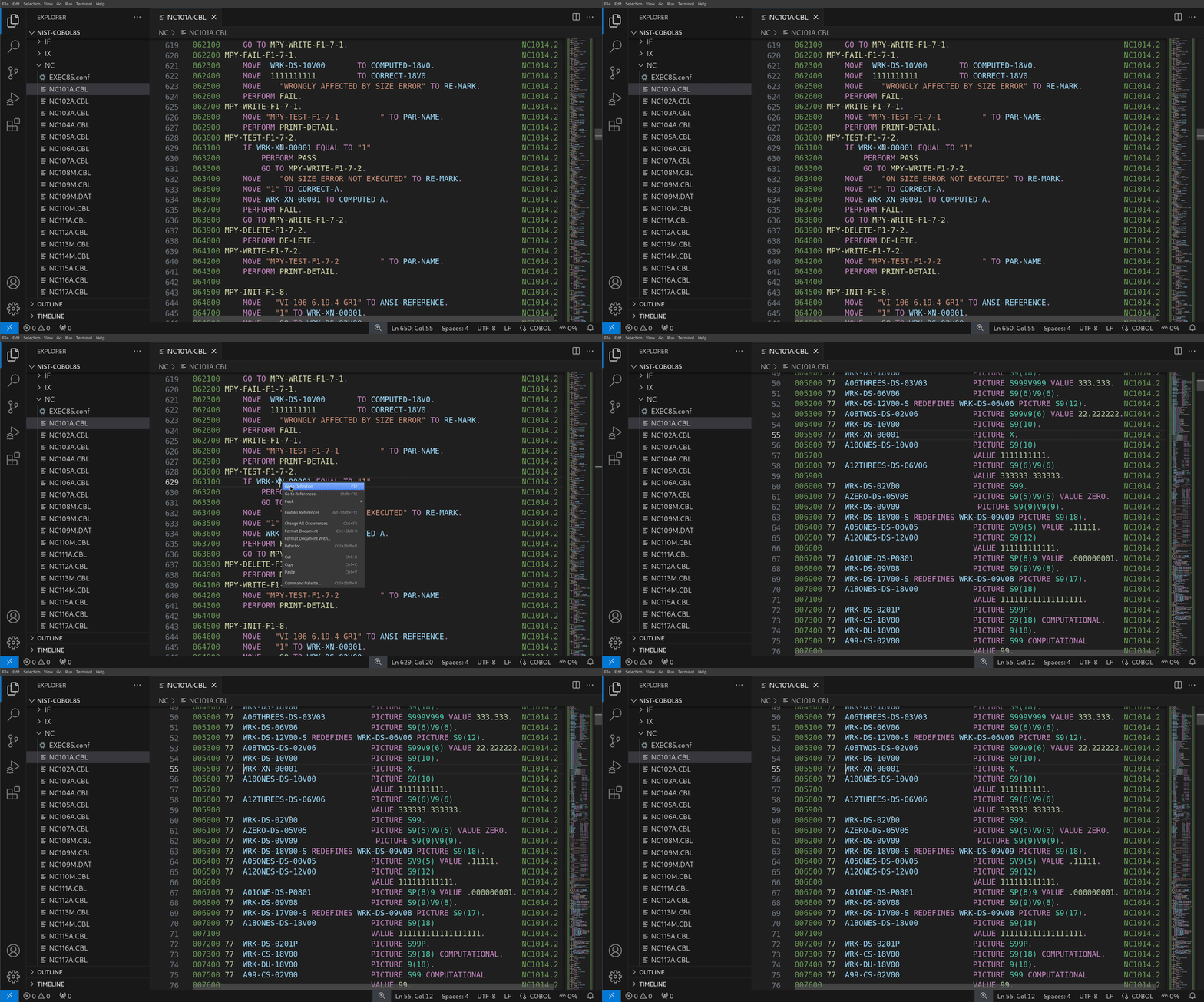
When you want to locate the definition of a data item name in your source code, position your cursor on its name, right click, and select Go to Definition (or press F12).
[!NOTE] (Temporary limitation)
At the moment, definitions that belong to communication, report, or screen sections of the data division are ignored by the extension. In addition, some definitions in embedded SQL blocks (
EXEC SQL) are not taken into account yet.
Peek Definition
To only have a peek at where such a data item defined, you can position the cursor on its name, right click, and select Peek > Peek Definition (or press Ctrl+Shift+F10). You will then be presented with a view of the location of the corresponding definition, including if it lies in a copybook.
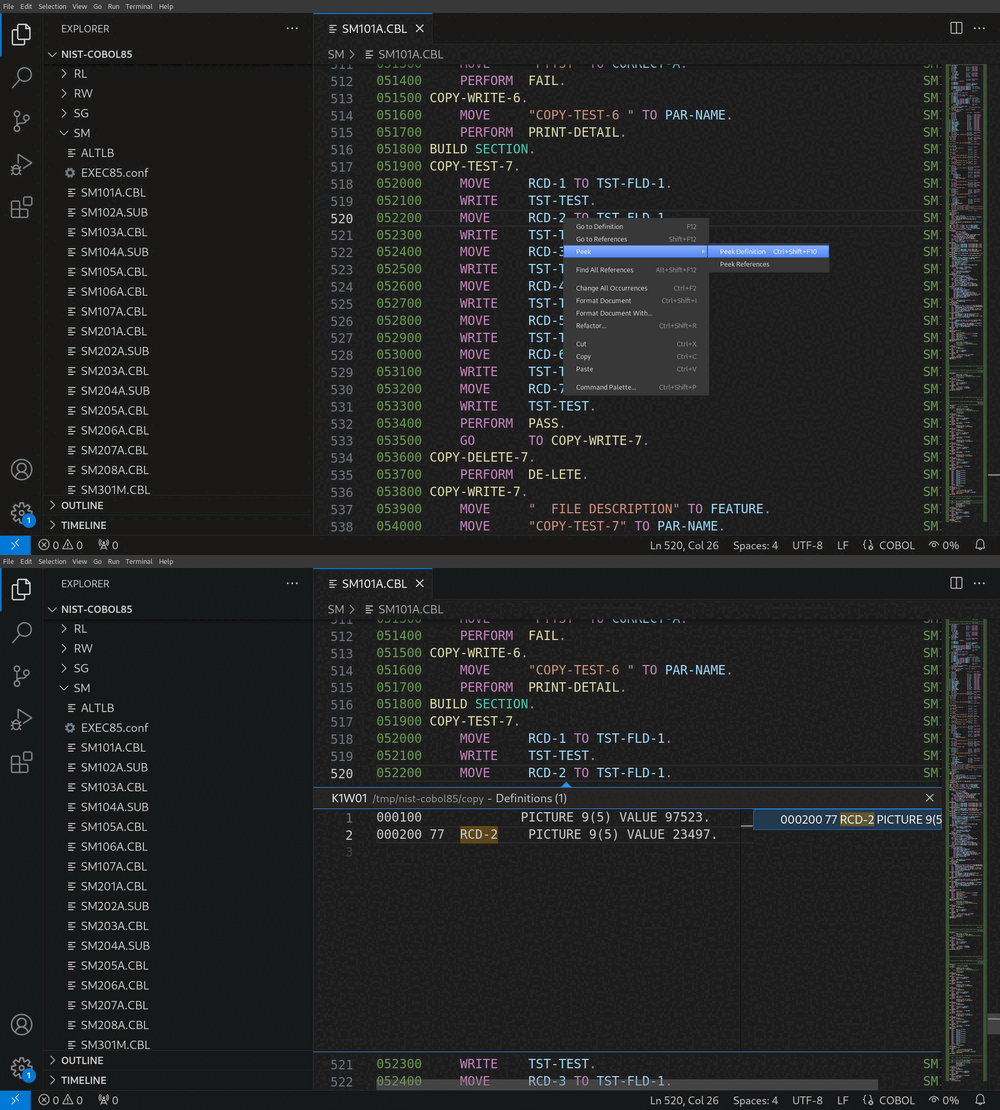
Go to References
If you want to obtain a list of all references to a named data item, right click and select Go to References (or press Shift+F12). You will then view the location of every reference to this item.
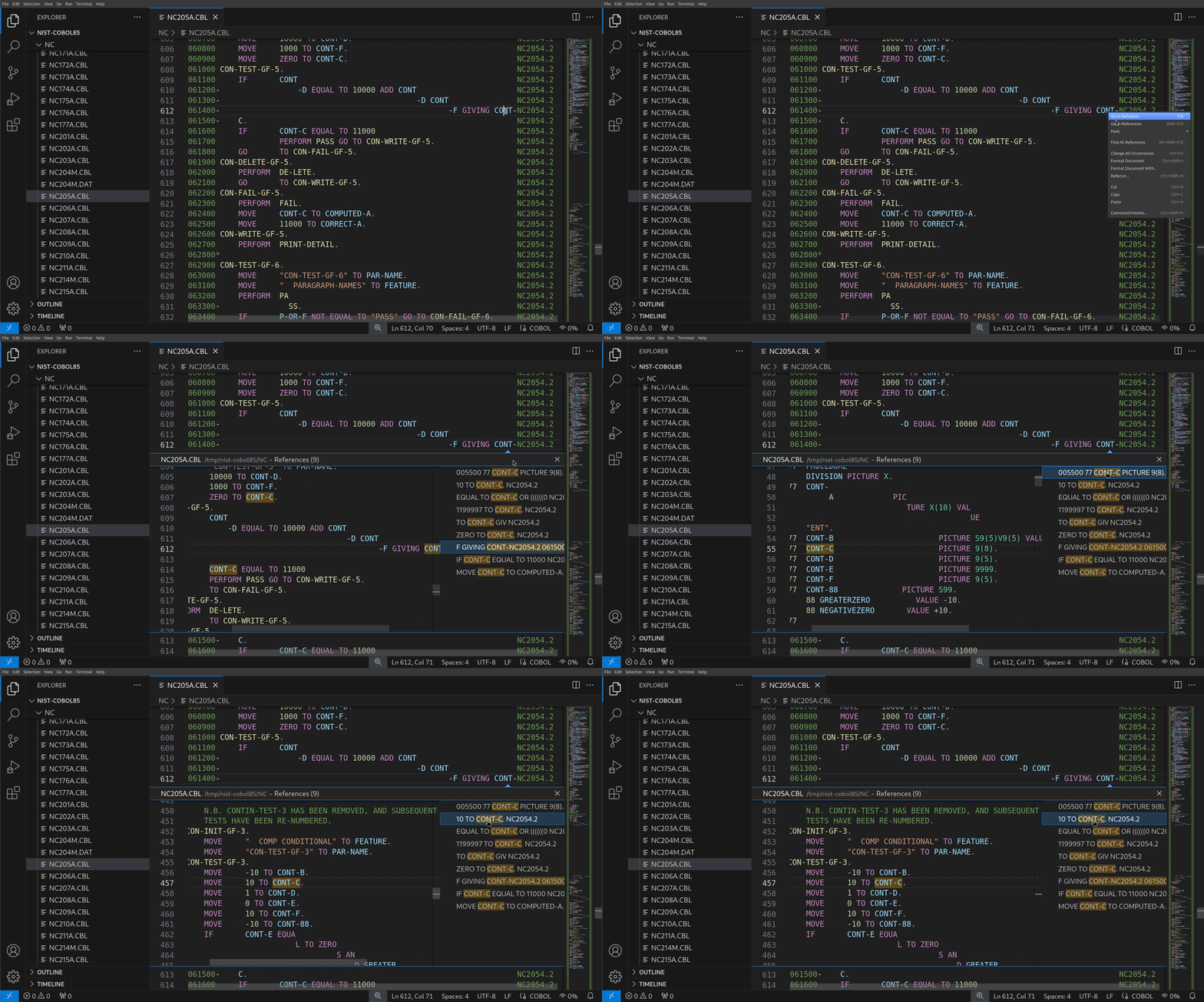
[!NOTE] (Temporary limitation)
Limitations mentioned in Go to Definition also apply.
Reference Information
The extension shows inline reference information above definitons of data items and elements of the procedure division.
The same limitations as for Go to Definition apply.
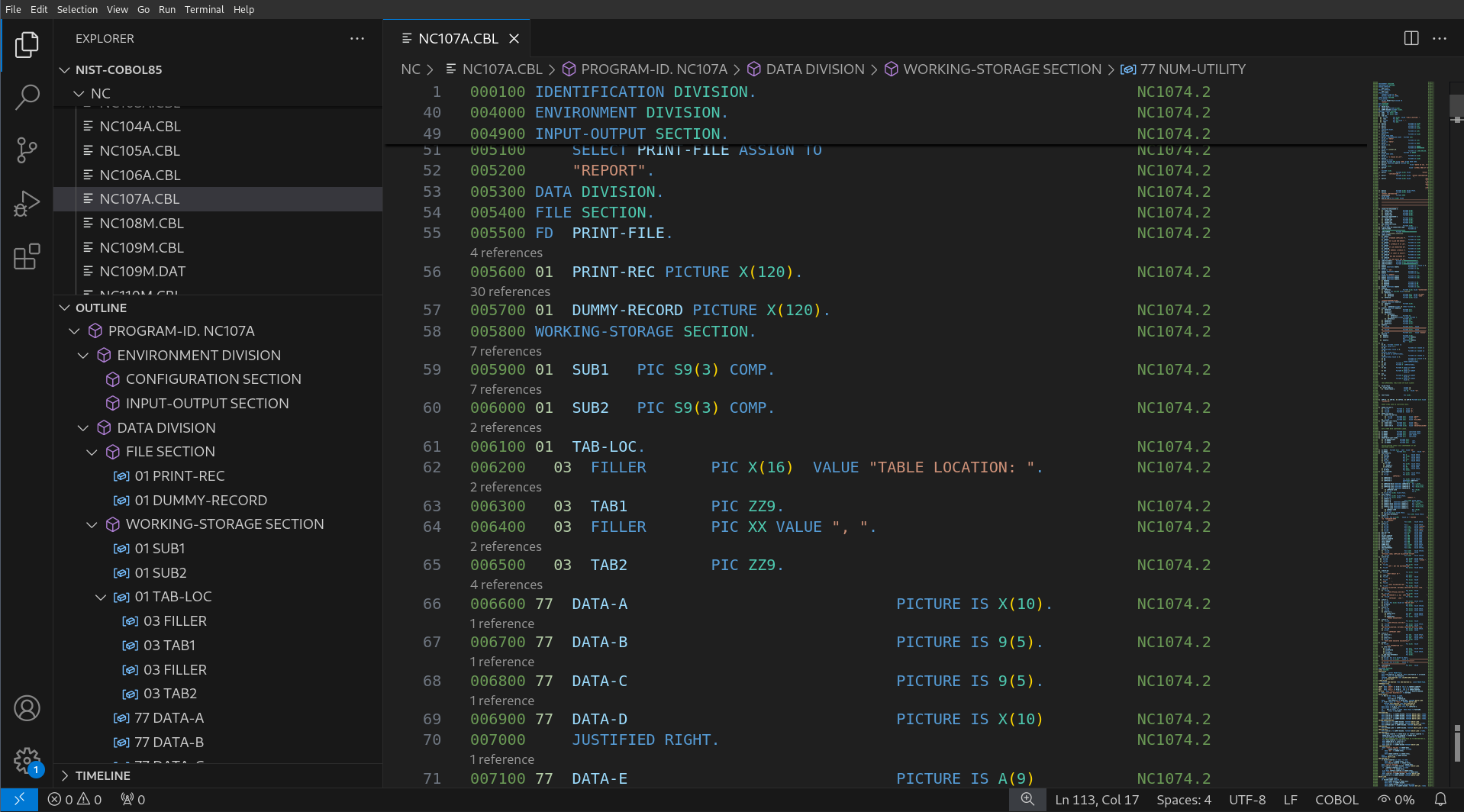
[!TIP]
This feature can be turned on or off by tuning the
"editor.codeLens"configuration setting (you can type Ctrl+, and thencodelensto change this setting).
Hover to Show Copybooks
Ever wondered what was behind a COPY directive? Just position your cursor over such a statement, and you will be presented with the contents of the copybook.
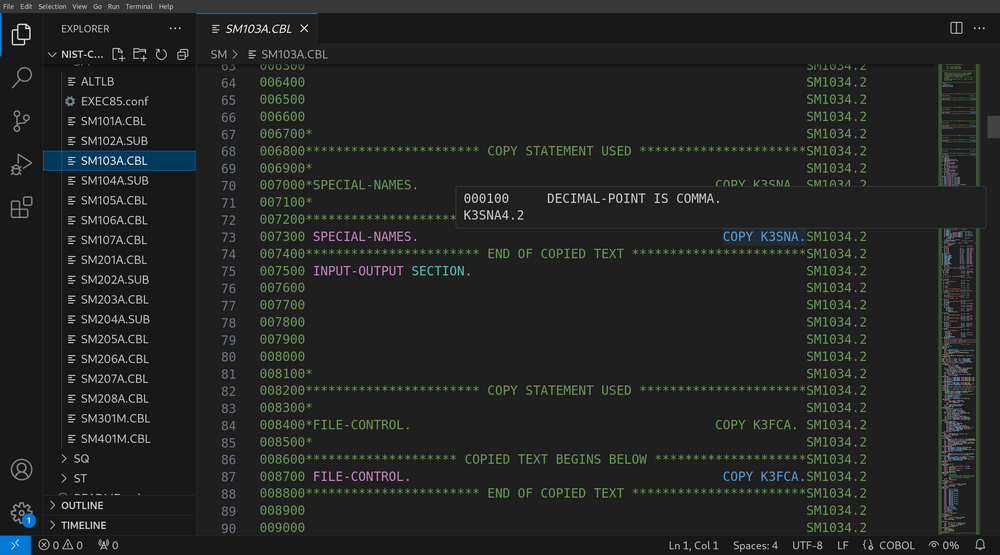
COPYTo ensure this works correctly, check your "superbol.cobol.copybooks" and "superbol.cobol.copyexts" settings.
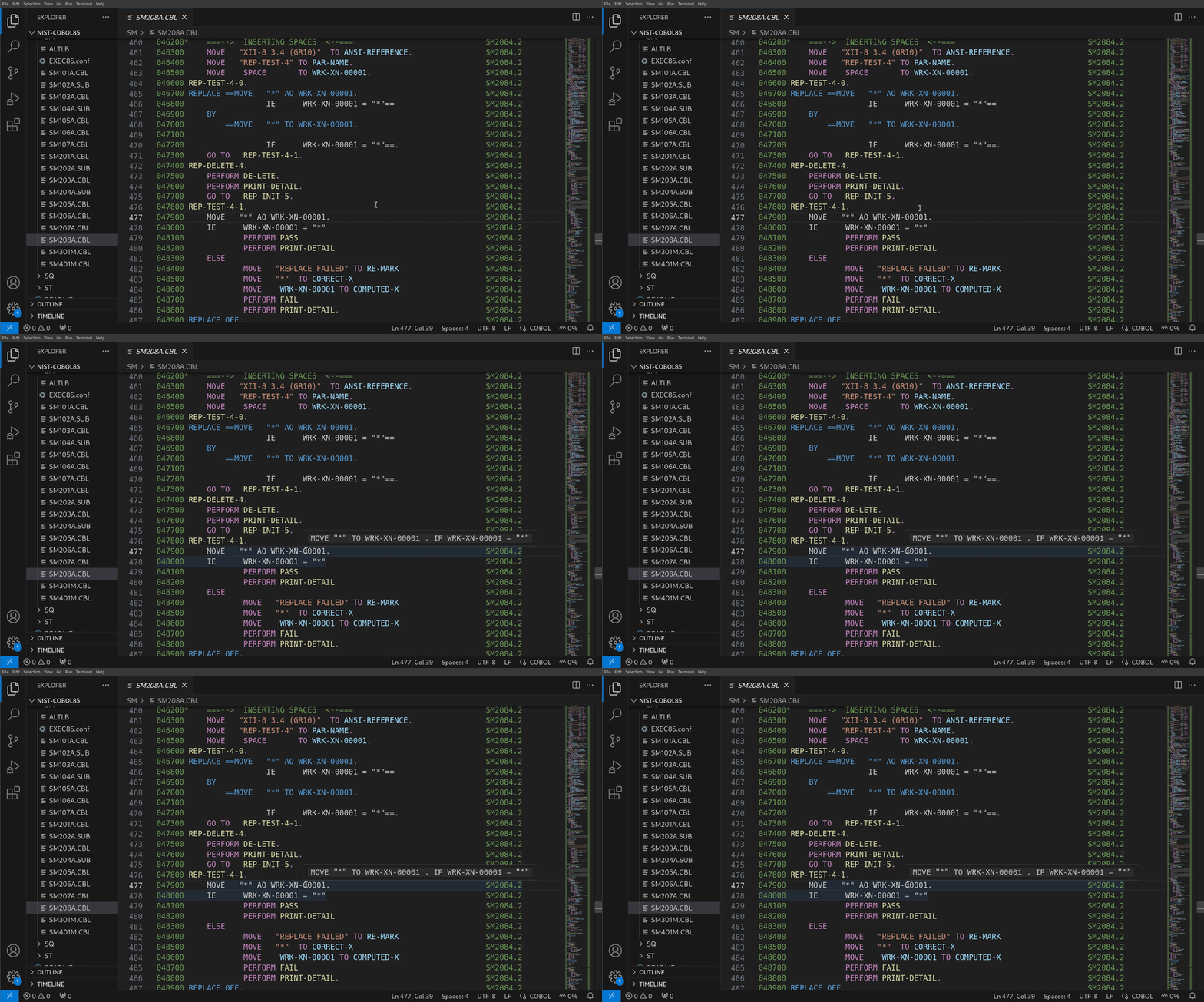
Hover to Show Source Text Replacements
What’s more? You can see the source text that results from replacement by a REPLACE directive in the same way.